Collections and records
The global Database workspace owns records, field definitions, and Queries. Apps use those data resources through Page bindings.
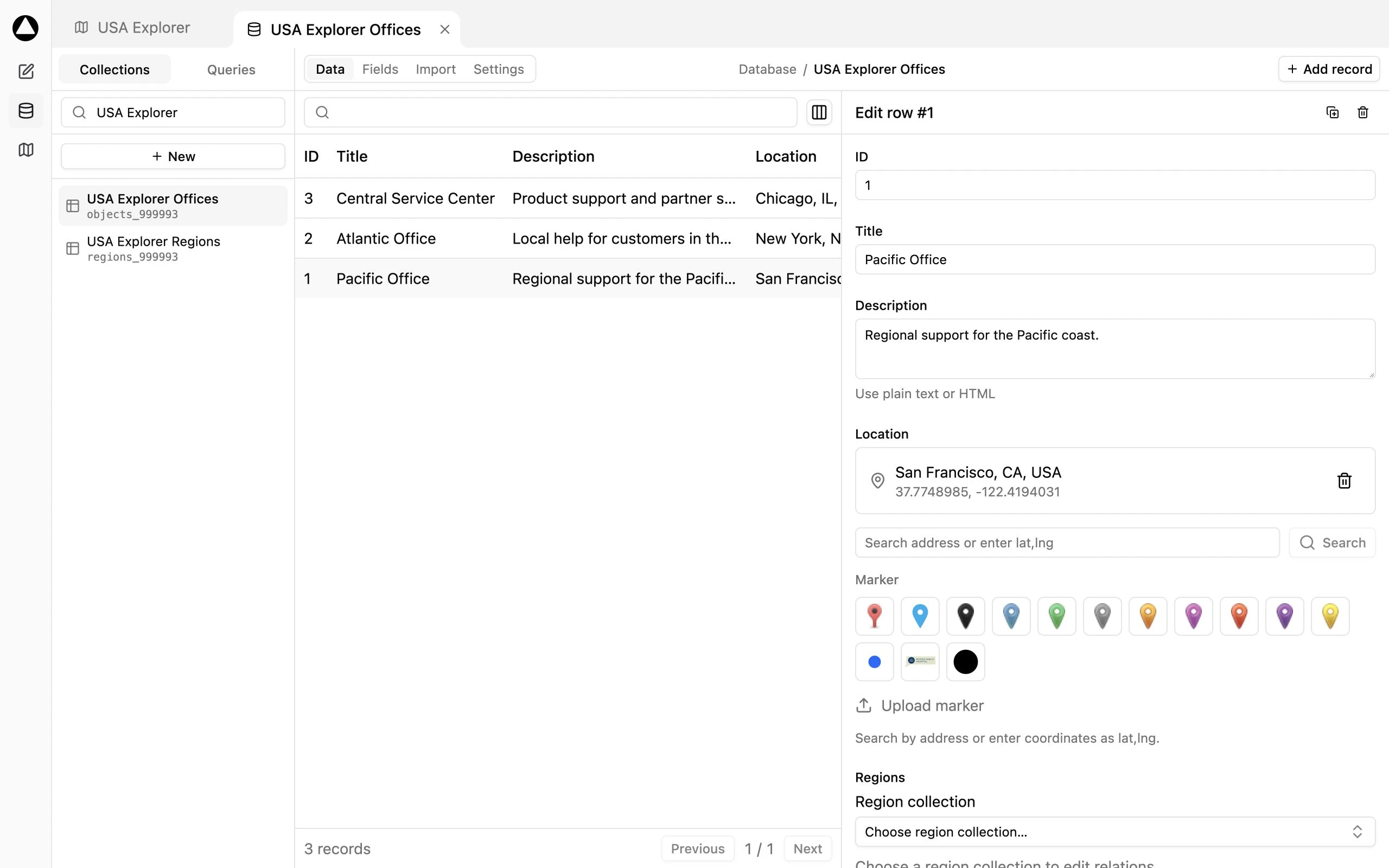
Open a Collection
Section titled “Open a Collection”- Click Database in the main navigation.
- Select Collections in the secondary navigation.
- Choose the Collection you want to edit.
- Use Data to browse records and Fields to configure their schema. Other panels depend on source type and installed modules.
Creating a map normally provisions map-specific Objects and Regions Collections. Their internal names can contain the map ID. Use their display titles to make the catalog easier to understand; internal names identify the source and are not arbitrary labels to change.
Add and edit records
Section titled “Add and edit records”In a local Objects Collection, choose Add record, fill the record’s fields, and save. Select a row to edit an existing record. Required fields and field types control validation.
Use Duplicate to start a new record from an existing one. It opens a detached create form; the new record is written when you save it. Cancel leaves the source unchanged.
A marker requires a supported Location field with a usable coordinate or address. Regions come from the SVG and use region IDs instead. Read Regions and Objects before changing either schema.
Add fields
Section titled “Add fields”Open Fields and choose the appropriate field type. Give it a stable name, a readable label, and any choices or validation it needs. Change choice options in the Collection field definition; read-only label/value rows in Data rules come from those choices.
WordPress and external sources can have different editing capabilities from local Collections. Do not assume every field visible in returned data can be edited in MapSVG.
Shared changes
Section titled “Shared changes”Records and schema changes are shared immediately with Apps and Queries that use the Collection. They are not isolated inside an App draft, and restoring App History does not restore deleted records.
Use Collection Settings and its confirmed Danger zone only after checking references. Removing a map from the map list is a different operation from deleting a shared Collection.