Edit fields
In this tab you can add, remove, and reorder your custom fields.
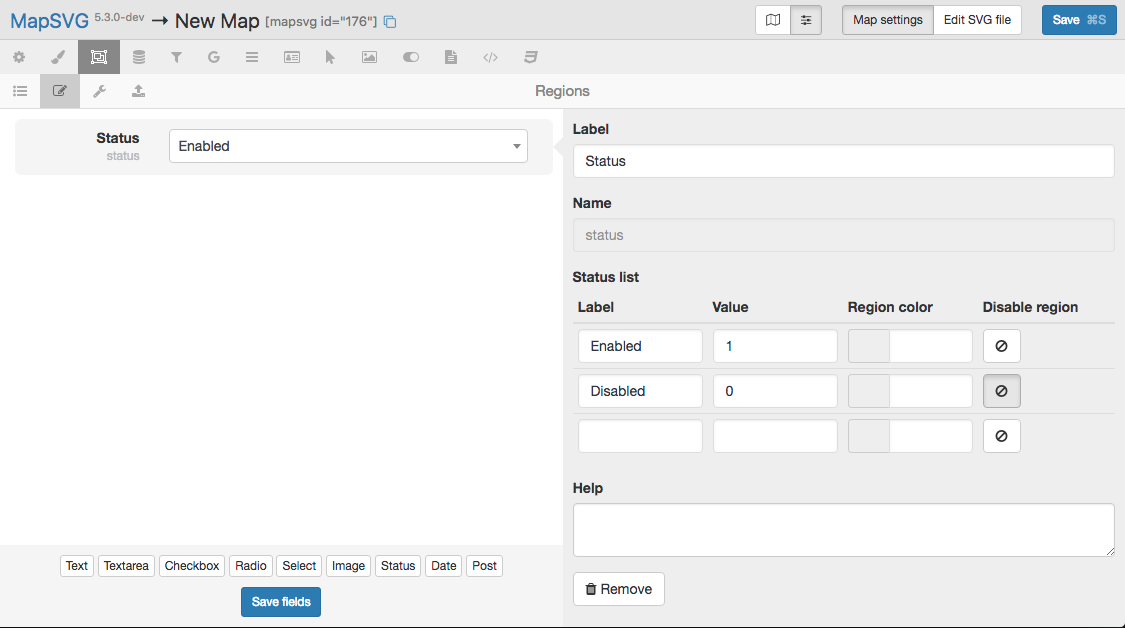
- Click any button at the bottom on the left to add a custom field.
- Edit field properties on the right side.
- Drag and reorder fields on the left side.
- When you finish, click the "Save fields" button at the bottom and go back to the list of DB Objects.
Searchable fields
Some fields can be set as Searchable to be used with the Text search functionality on the front-end. When you enable this option, a "Fulltext" index for that field is added in the MySQL database.
info
Don't turn on the Searchable option for all of your fields unless you need it — too many indexes will slow down your website.